How Non-Technical Founders Use Data Apps
Non-technical founders can build custom tools around their data without hiring engineers. Here's how data apps unlock new leverage.
Key Takeaways
Non-technical founders often hit walls when off-the-shelf tools can't match their specific workflows—data apps fill that gap
A data app combines your existing data, custom logic, and a usable interface (or automation) that you and your team can rely on
AI software engineers like Memex let you describe what you need in plain language, iterate on the logic, and deploy working tools without writing code yourself
Instead of thinking in features and tickets, you can think in jobs to be done—and let the AI handle the plumbing
The Reality of Building as a Non-Technical Founder
If you're a non-technical founder, you probably live inside a constellation of SaaS tools. Stripe for payments. HubSpot or Close for sales. Notion for documentation. Google Sheets for everything else. You've become fluent in dashboards, comfortable with data exports, and skilled at stitching together Zapier automations when you need two systems to talk to each other.
And yet, you still hit walls.
Maybe you need a simple internal tool that shows your team which leads to prioritize based on a scoring model you've developed in your head. Maybe you want a dashboard that pulls revenue data from Stripe, combines it with pipeline data from your CRM, and calculates a burn multiple you can share with investors. Maybe you need a workflow that routes inbound leads to different salespeople based on company size, geography, and source—logic that's too complex for your CRM's built-in automation.
These aren't massive engineering projects. They're small, specific tools that would take a competent developer a day or two to build. But you don't have that developer. And hiring one—or explaining your requirements through a product spec, then waiting through a sprint cycle—feels like overkill for something this focused.
This is where data apps come in.

What We Mean by Data Apps
At Memex, we use the term "data app" broadly. A data app is any reusable, code-backed way of turning data into something useful—insight, automation, or a concrete product. It always combines three ingredients: (1) data from spreadsheets, APIs, databases, or files; (2) logic like queries, transformations, or business rules; and (3) a surface that lets humans or systems benefit from that logic repeatedly.
That surface might be an interactive dashboard your team checks every morning. It might be a headless automation that runs overnight and populates a Slack channel with alerts. It might be a form that captures information and routes it somewhere based on rules you define. The point is that it's not a one-off analysis or a static export—it's something you or your team can use again and again.
For non-technical founders, data apps represent a new kind of leverage. Instead of being limited to what your off-the-shelf tools provide, you can create custom workflows and interfaces around your existing data. You're not replacing Stripe or HubSpot—you're building on top of them.
Data Apps at Different Stages of Building
The tools a founder needs evolve as the company grows. Here's what data apps might look like at each stage:
During idea validation, you're moving fast and testing assumptions. You might want a simple lead capture form that writes to a Google Sheet, enriches each submission with company data from Clearbit or Apollo, and sends you a Slack notification when a lead matches your ideal customer profile. Off-the-shelf form tools can't run that enrichment logic. A data app can.
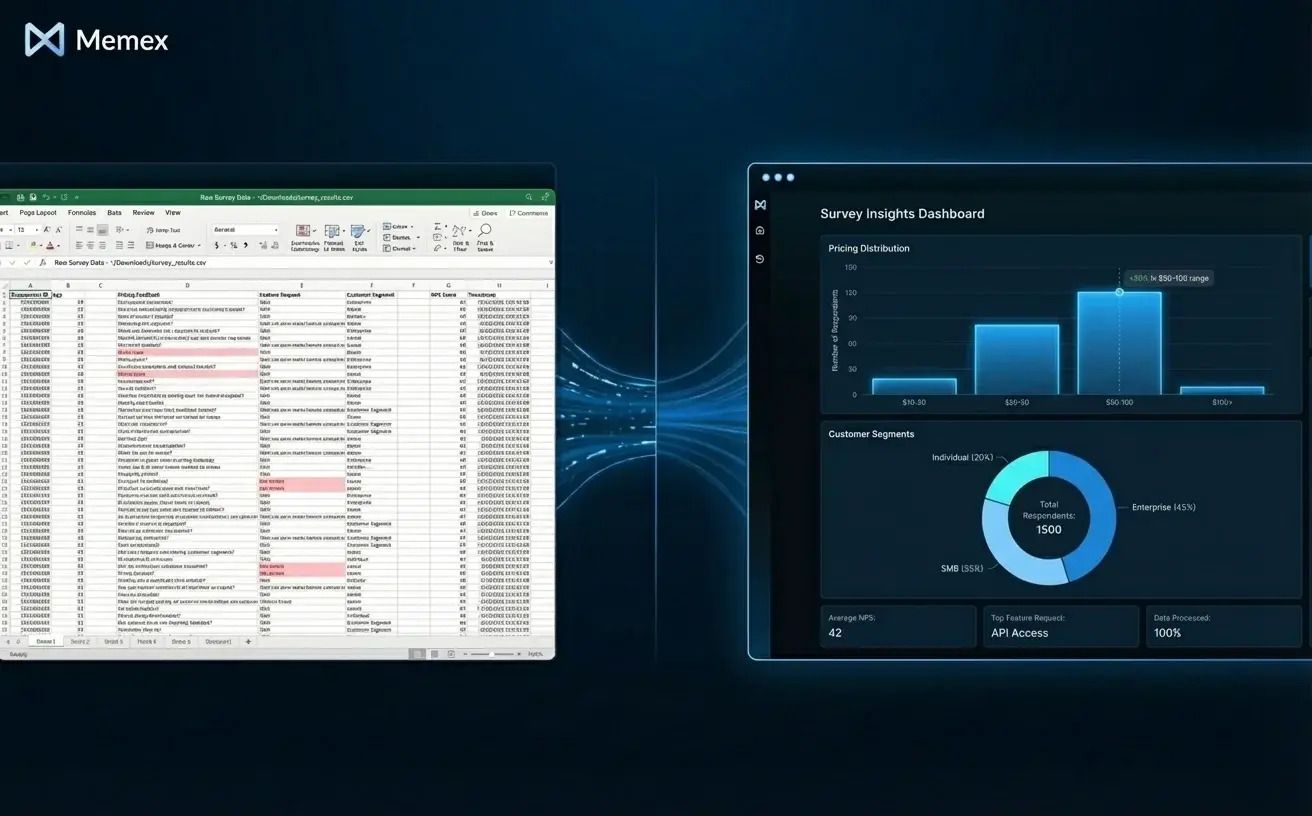
Or you might need a quick survey analysis tool: you've collected fifty responses about pricing, and you want to visualize the distribution, segment by company size, and flag outliers. This takes five minutes in Memex—describe what you want, connect to the spreadsheet, and iterate until the output makes sense.
At early revenue, you're juggling sales, customer success, and fundraising. Investors want updates. Customers want attention. Leads are coming in faster than you can qualify them.
A common data app here is an investor update dashboard. You pull MRR from Stripe, pipeline value from your CRM, and burn rate from a spreadsheet. The dashboard calculates key metrics—net revenue retention, CAC payback, burn multiple—and presents them in a clean interface you can share via link before each board meeting. No more copying numbers into a slide deck every month.
Another useful tool is a lightweight CRM built around your actual sales process. Maybe you're tracking deals in a spreadsheet because HubSpot's pipeline stages don't match how you sell. A data app can give you a custom kanban view, let your team update deal status, and automatically calculate expected close dates based on your historical conversion rates.
Lead routing is another good example. Imagine inbound leads coming through your website form. You want enterprise leads (over 500 employees) routed to your cofounder, SMB leads assigned round-robin to your two SDRs, and anything from a competitor domain flagged for review. A data app can handle this logic, pull enrichment data from an API, and push the routed leads back into your CRM or Slack.
When scaling operations, complexity increases. You have more customers, more data, and more edge cases. This is where basic ML-backed scoring becomes valuable.
Suppose you want to predict which trial users are most likely to convert to paid. You have historical data: usage patterns, company size, referral source, time spent in certain features. A data app can train a simple model on this data, score new trials as they come in, and surface the highest-probability leads in a dashboard your sales team checks daily. You don't need a data science team for this—you need a clear problem, clean data, and an AI software engineer that can iterate with you until the model works.
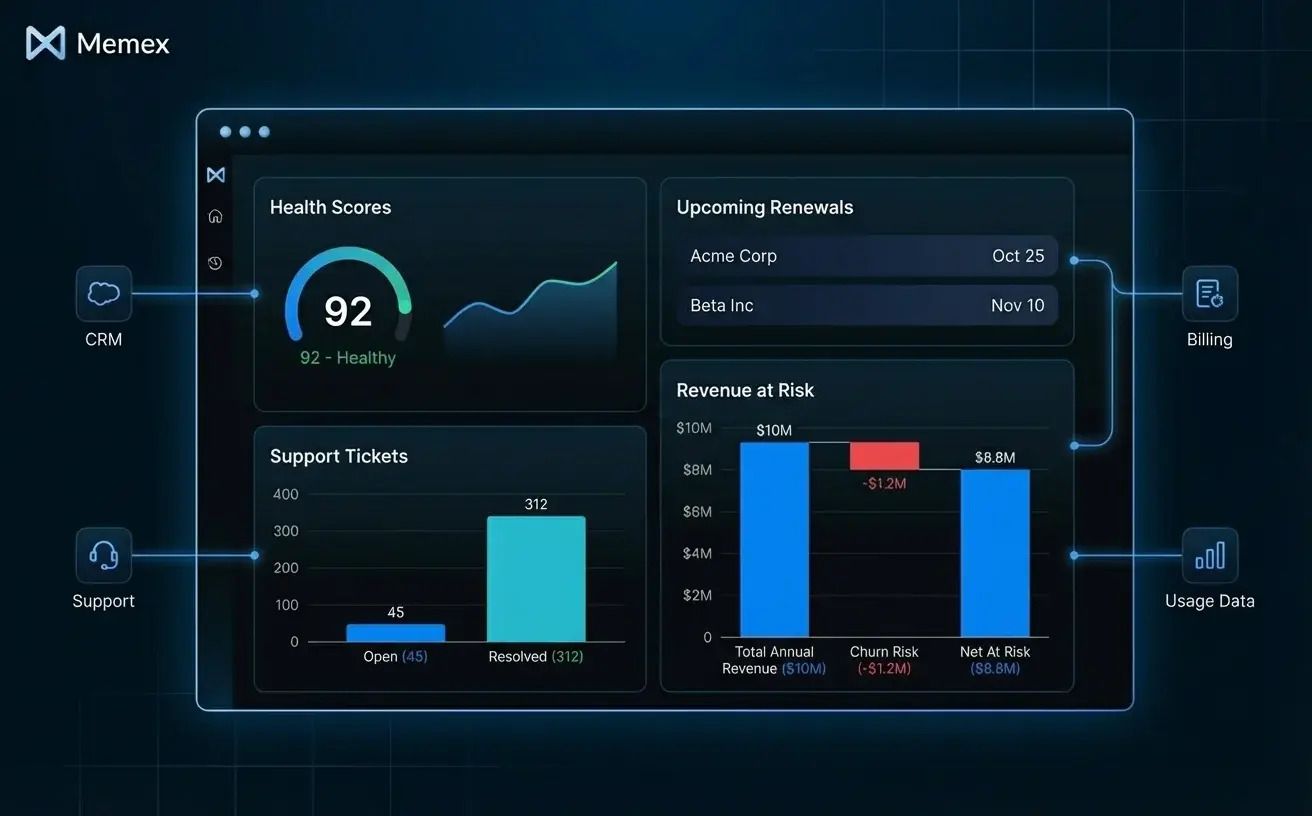
Operational consoles become important too. You might need a single view that shows customer health scores, outstanding support tickets, upcoming renewals, and revenue at risk—pulling from Intercom, Stripe, and your internal database. Building this as a data app means your CS team has one place to work from, rather than switching between five tabs.
Thinking in Jobs to Be Done
The traditional way to get custom software built involves writing requirements, breaking them into features, estimating tickets, and managing a backlog. This makes sense when you have an engineering team and a product roadmap. It makes less sense when you're a founder who needs a working tool by Friday.
Data apps let you think differently. Instead of "I need a feature that does X," you can start with "I need to solve this problem" and describe it in plain language. What's the job to be done? What data do you have? What outcome do you want?
With Memex, this becomes a conversation. You describe the problem: "I want to see which customers are at risk of churning based on their usage data from the last 30 days." Memex connects to your data source, writes the logic to calculate usage trends, builds a simple interface, and lets you iterate. You notice the churn signal should also factor in support ticket volume—you mention that, and Memex adjusts. You want to add a column showing contract value so your team can prioritize—done.
You're not managing a backlog. You're not writing specs. You're not waiting for a sprint to complete. You're iterating in real time with an AI that understands data, writes code, and handles the plumbing.
From Idea to Deployed Tool
One concern we hear from founders is: "But I need something my team can actually use, not just something that runs on my laptop."
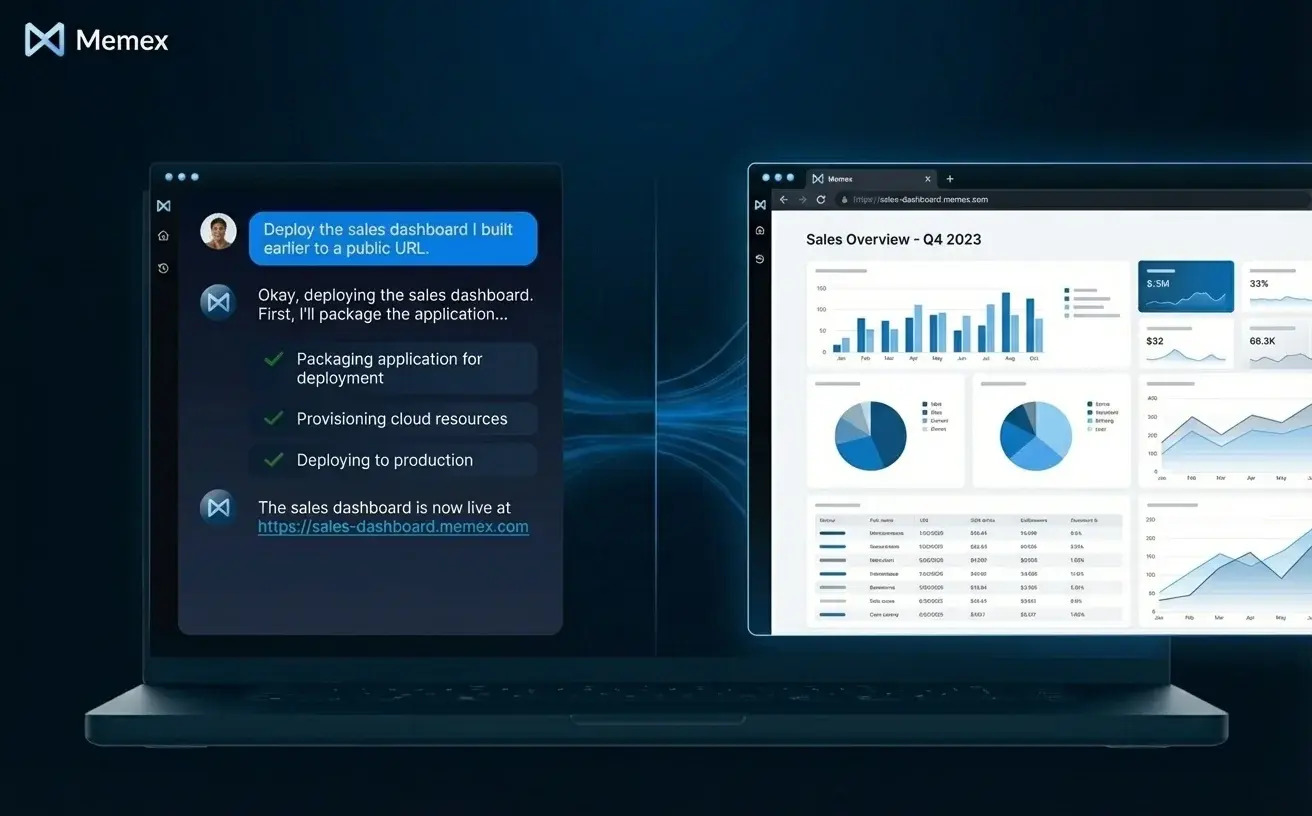
This is where deployment matters. Memex doesn't just generate code—it runs that code, debugs errors, and can deploy the result to serverless infrastructure. The tool you build in a conversation can become a hosted app with a URL your team accesses every day.

The Leverage You've Been Looking For
Non-technical founders have always been able to do more than people assume. You can run complex analyses in spreadsheets. You can configure sophisticated automations in Zapier. You can build entire businesses on top of no-code tools.
Data apps extend that capability into territory that used to require hiring. Custom internal tools. Integrated dashboards. Automated workflows with logic that matches exactly how your business operates. Basic ML models that score and prioritize.
This isn't about replacing engineers—it's about getting leverage during the phases when you don't have them, or when the thing you need is too small to justify a project. It's about moving from "I wish we had a tool that did X" to "Let me build that this afternoon."
If you're a founder who's comfortable with data but frustrated by the limits of off-the-shelf software, this is the capability Memex was built to provide.
Get started at memex.tech, or join our community on Discord to see what other founders are building.
FAQs
What is a data app, and how is it different from a regular app? A data app combines your existing data, custom logic, and a reusable interface or automation. Unlike general-purpose apps, data apps are specifically designed to transform and act on data—pulling from spreadsheets, APIs, or databases and presenting insights or automating workflows based on that data.
Can non-technical founders really build tools without coding? Yes. AI software engineers like Memex let you describe what you want in plain language, then handle the code generation, debugging, and deployment. You iterate through conversation rather than writing code, making it accessible to anyone comfortable describing their problem clearly.
What tools and data sources can Memex connect to? Memex can connect to Google Sheets, APIs (like Stripe, HubSpot, or Clearbit), CSV files, databases, and most SaaS platforms with available APIs. It handles authentication through secure secrets management and can work with multiple data sources in a single project.
Do I need to hire engineers later to maintain what I build? Not necessarily. Everything Memex produces is real code stored locally, so you can modify it yourself or hand it off to engineers if you scale. Many founders continue iterating with Memex even after hiring technical team members, using it for rapid prototyping and smaller internal tools.
How long does it take to build a working data app with Memex? Simple tools like lead routers or basic dashboards often take less than an hour. More complex projects—like operational consoles pulling from multiple data sources or ML-backed scoring systems—might take an afternoon. The key is that you can start using and iterating on your tool the same day you start building.